






Digital Banking Upgrade
Now Live! Upgraded Digital Banking
We’re sharing a closer look at some exciting new features with the Digital Banking Upgrade, along with a few simple steps to help ensure a smooth transition. Our new platform enhances user experience and strengthens fraud prevention, all designed to give you more flexibility, control, and deeper insights into your financial life.
Logging In for the First Time
Your first login to the new platform will be quick and straightforward. Here's what to expect:
- Enter your existing username and password to get started.
- Verify your identity using multi-factor authentication via multi-factor authentication.
- Create a new password that meets updated complexity requirements.
- Review and accept updated disclosures.
- Confirm your contact information and update anything that's changed.
That's it. You're ready to explore your upgraded Digital Banking experience!
New Features
Once you log in to the new platform, you'll find a refreshed dashboard packed with powerful tools, such as:
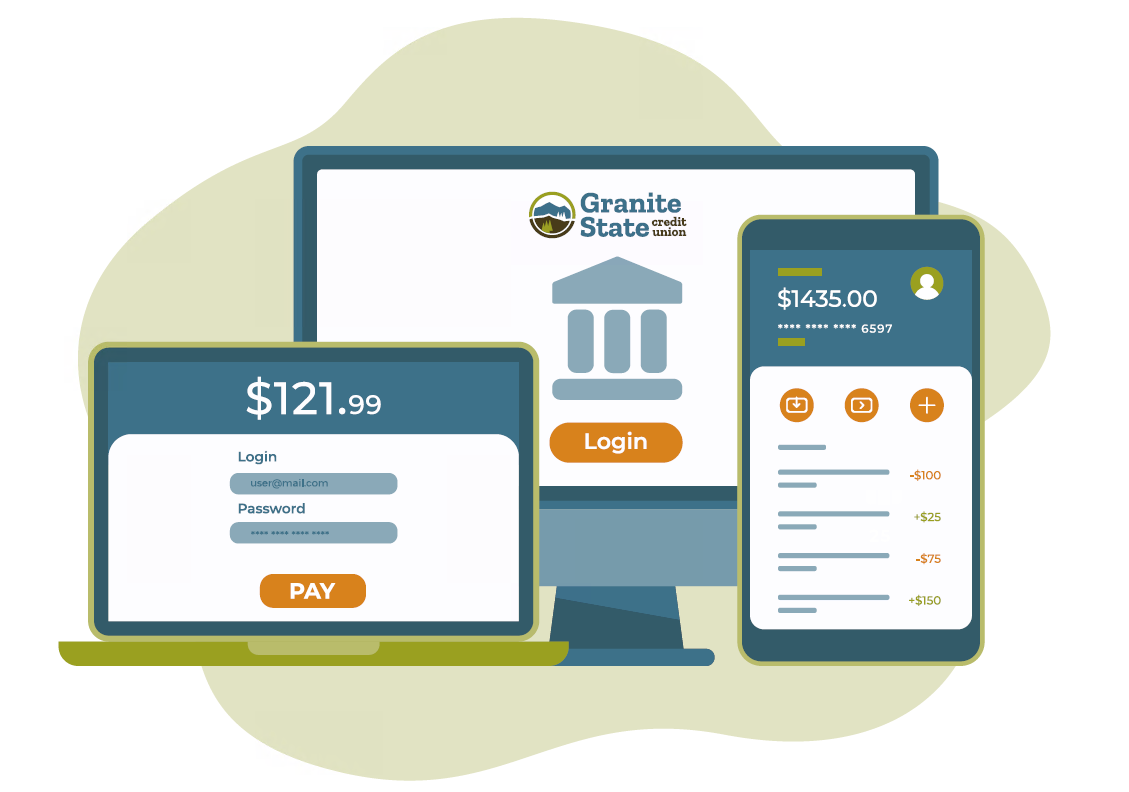
- Consistency Across Devices: An updated design ensures every device—desktop, tablet, or mobile—feels familiar and easy to use.
- Personalized Dashboard: Tailor your dashboard to highlight accounts and tools you use most, and even add a profile photo for a personal touch.
- Real-Time Alerts: Get instant notifications about transactions, balances, and payments – so you’re always in the know.
- Connect Accounts: View accounts from other financial institutions alongside your GSCU accounts for a comprehensive view of your money.
- Smart Financial Tools: Utilize Spend Forecast, Spend Analysis, Savings Goals, Net Worth, and monthly Budgets for improved money management!
- Member-to-Member Transfers: Send money instantly to other GSCU members without the need for a third-party service.
- Additional Security Options: Optional two-factor authentication at every login and additional authentication methods such as passkeys and authenticator apps.
- Loan Payoff Calculator: Quickly estimate payoff amounts for your GSCU loans.
- Smart Search: Easily find features, FAQs, and transactions from one convenient search bar.
- Account Reports: Generate custom reports, such as transactions from the past month or cleared checks over the past 90 days, to simplify balance tracking and record keeping.
- Stop Payments on Checks: Request a stop payment directly within Digital Banking for added convenience and control.
- What's New Page: Stay up-to-date on platform changes and newly added features all in one place.
These updates are designed to help you save time and give you confidence through every step of managing your finances.
See a video overview of the new platform
after the upgrade
Here are a few things to take care of:
- Set up alerts: Set up account and CardControl alerts!
- Third-party platforms: If you connect your accounts to a platform such as Quicken®, QuickBooks®, or other Intuit® products, please note that your connection will need to be re-established.
Learn more
What’s Next?
Schedule an in-branch appointment to review changes with a GSCU team member!
Schedule an Appointment
Digital Banking Upgrade FAQ's